
Anime AI
Your picture
Ex. A man standing in the rainGender
By selecting multiple styles, you will get an equal amount of each style. If you select only one, all photos will be of the same style.More Like This
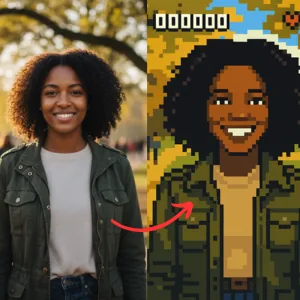
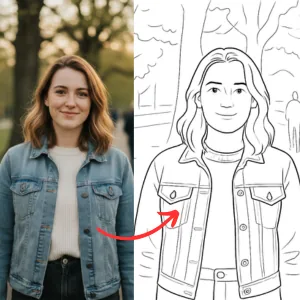
What would you look like in anime?
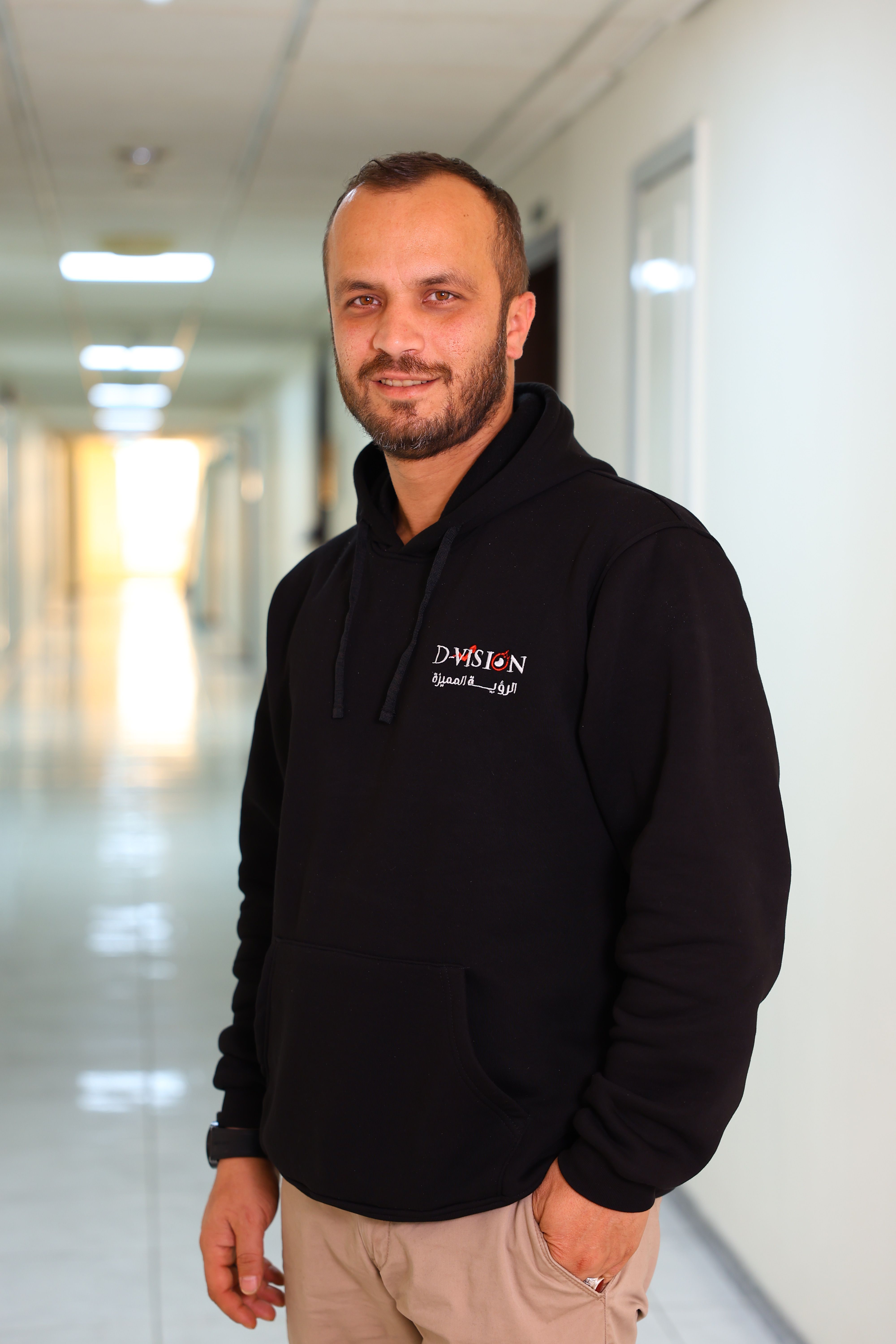
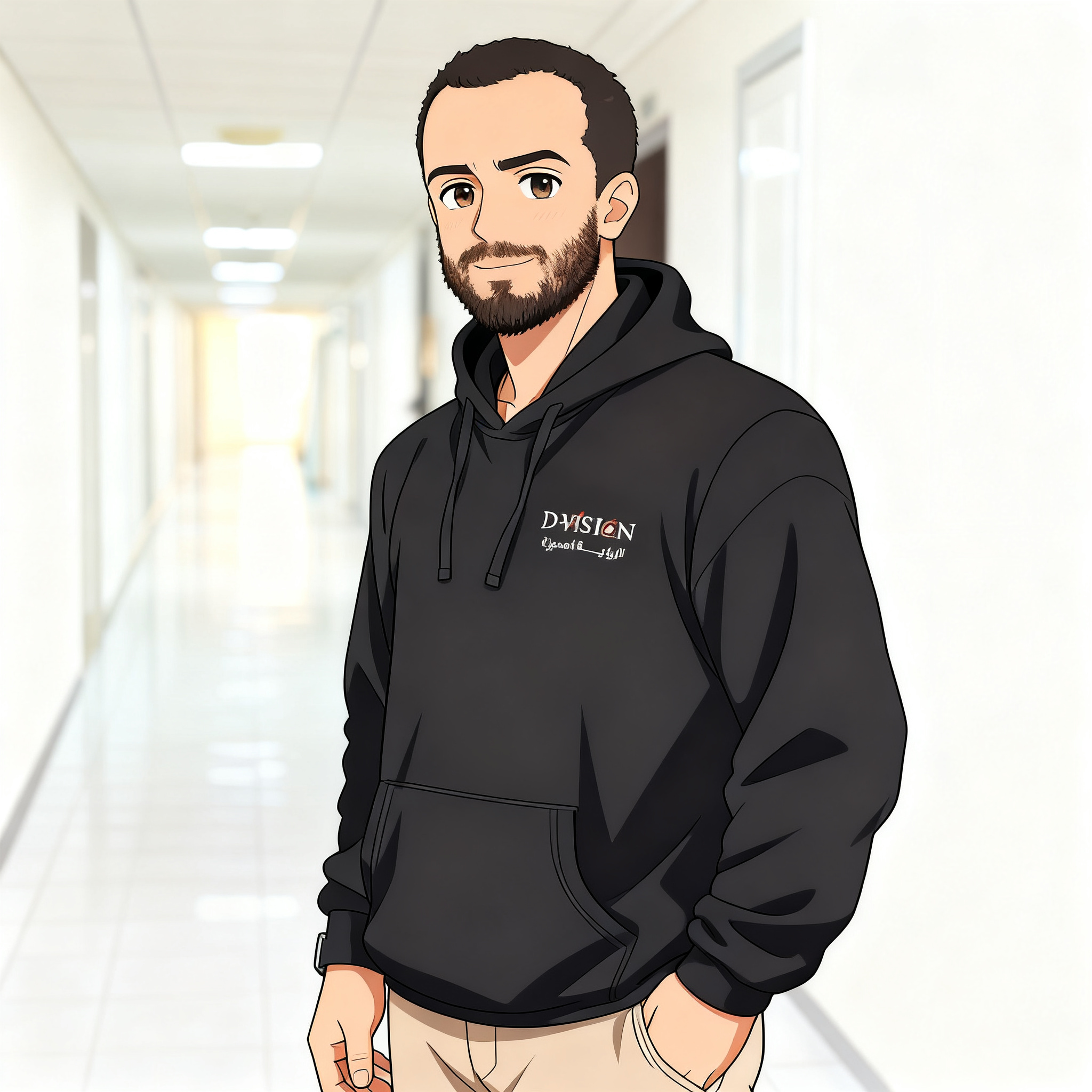
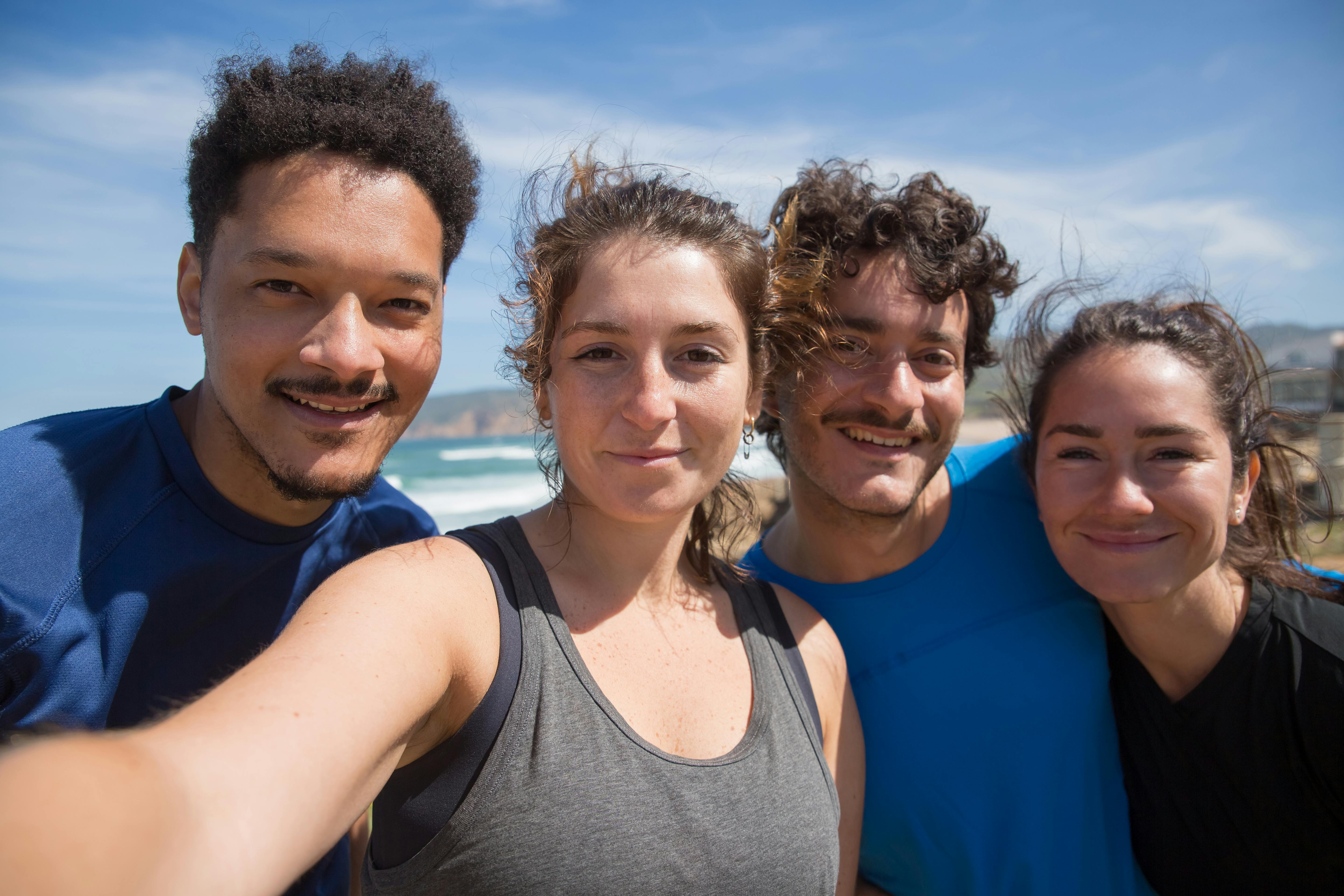
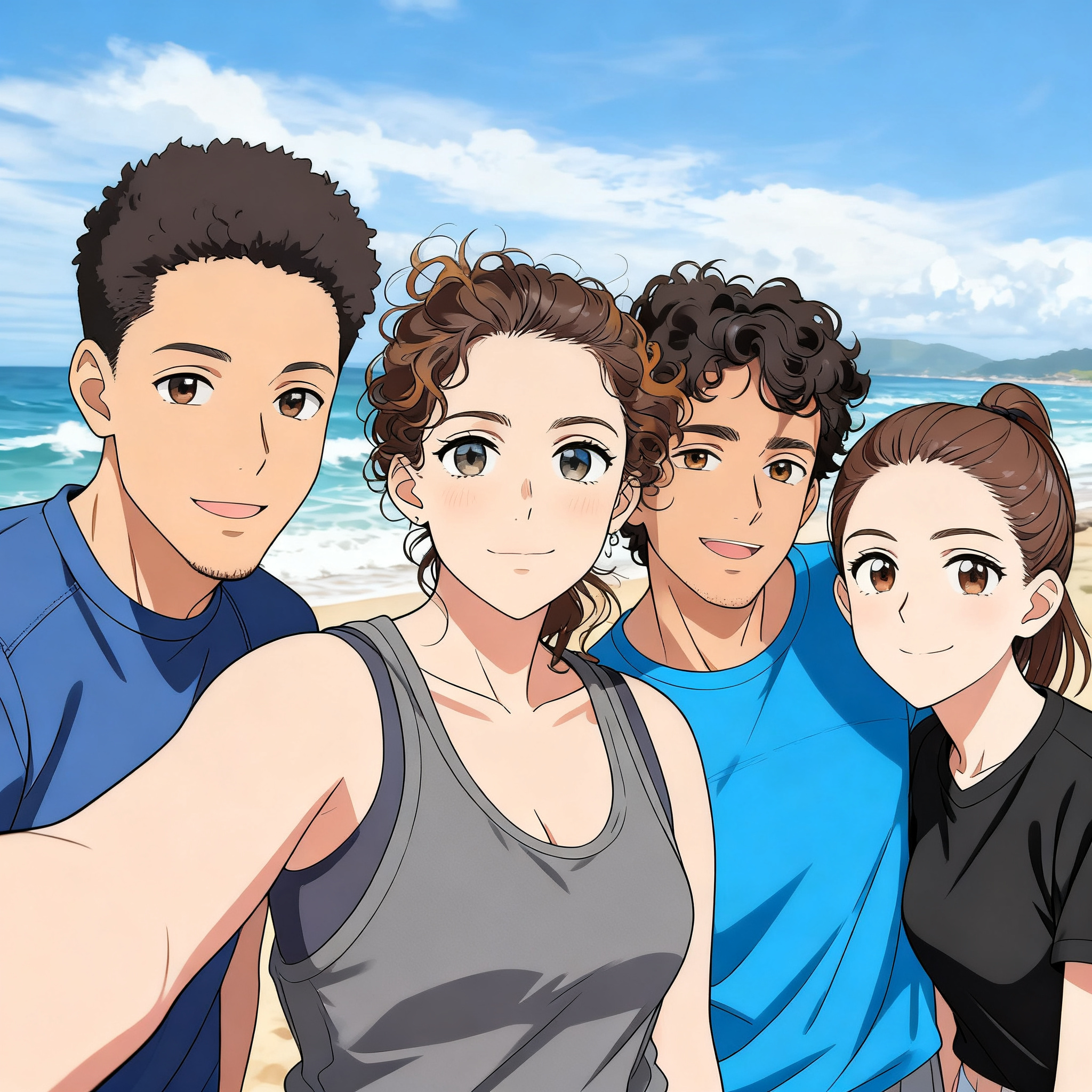
How Anime AI Actually Works
AnimeAI.app is built on top of Stable Diffusion, a full AI image generation model. We stack custom models on top of this Image model to get you the styling you get.
Apart from custom models, we experiment and set certain parameters to get you the best results.
We'll give these models and parameters away for you to use, further down in here.
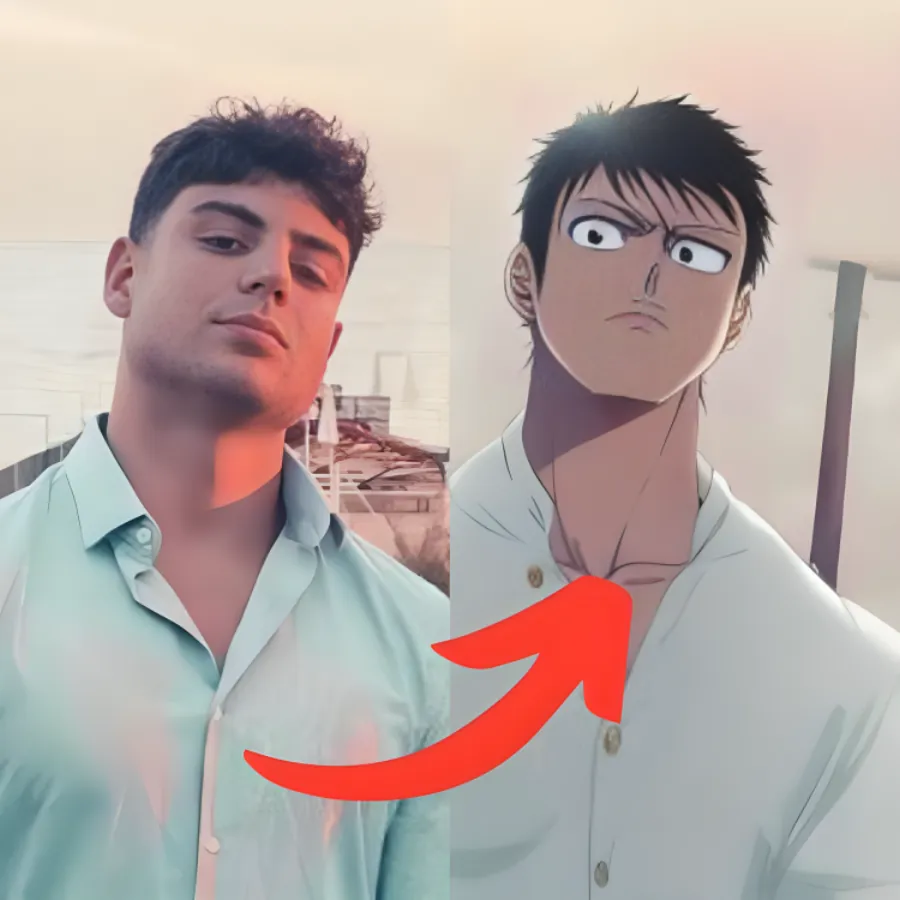
The AI doesn't trace your photo - it recreates you from scratch using the visual language of each anime style.
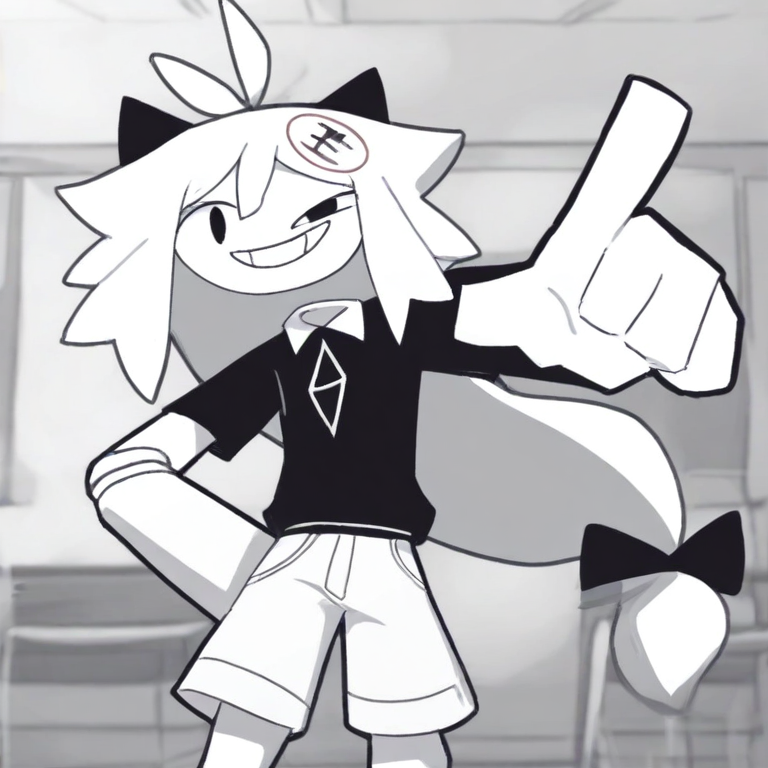
The practical upside: results look like actual anime art, not a filtered selfie. The practical downside: because it's regenerating rather than tracing, your likeness can drift. Some styles stay close (Anime and Pixel). Others go wild (Family Guy, FPE OC Maker etc.). Neither is wrong - they're just different ways of doing it.
Photo to Anime: How to Do It
The main app on AnimeAI.app is dead simple. Here's the actual flow:
- Upload your photo - JPG or PNG, up to 5MB. One person per photo works best right now.
- Select your gender - this isn't cosmetic. It helps the model correctly interpret your facial structure, which anime draws very differently for male and female faces.
- Generate - results land within a few minutes.
5 Things That Actually Improve Your Results
These aren't obvious from the UI, but they make a real difference.
| # | The Tip | Why It Works |
|---|---|---|
| 01 | Use a well-lit, single-person portrait | The model was trained on clear face data. More visible features = better reconstruction. Shadows, glasses, or other people in frame compete for the AI's attention. |
| 02 | Crop tight - face should fill 50%+ of the frame | More pixel budget spent on your face = sharper eyes, cleaner linework. Full-body shots give you a smaller face in the output. |
| 03 | Use the attribute checkboxes if they apply to you | The team built these specifically to compensate for underrepresentation in anime training data. Dark skin, glasses, and facial hair all benefit from being explicitly flagged. |
| 04 | Get the full 100-image pack | Diffusion models are random by nature. 100 images means you'll hit the version where the lighting landed right and the eyes look perfect. Cherry-picking from 5 images is frustrating. |
How we built this app
The photo-to-anime tool doesn't need a text prompt - your photo is the input. But when you're using the text-to-anime generator to create original characters or scenes from scratch, what you type matters enormously.
Anime AI models understand tags better than sentences. They were trained on Danbooru-style image databases where everything is labeled with short descriptors. Writing the way those databases are labeled gets you dramatically better results than writing naturally.
The structure that works
Think of your prompt as four layers stacked together: who's in it, what style it should look like, quality signals, and the mood/setting.
1girl, silver hair, long hair, blue eyes, confident expression, anime style, cel shading, Makoto Shinkai inspired, masterpiece, best quality, highly detailed, sharp focus, cherry blossoms background, golden hour, soft bokeh, warm tones
- Subject (who/what - 1girl, silver hair, blue eyes, confident expression)
- Style direction (anime style, cel shading, Makoto Shinkai inspired)
- Quality boosters (masterpiece, best quality, highly detailed, sharp focus)
- Mood & setting (cherry blossoms background, golden hour, soft bokeh, warm tones)
The negative prompt - copy this every time
This is the single biggest quality improvement most people don't know about. The negative prompt tells the AI what not to generate. Without it, you'll get weird hands, blurry edges, and low-detail faces far more often.
lowres, bad anatomy, bad hands, text, error, missing fingers, extra digit, fewer digits, cropped, worst quality, low quality, jpeg artifacts, signature, watermark, username, blurry, deformed, ugly, duplicate, out of frame
Ready-to-use prompt templates
| Goal | Prompt Template |
|---|---|
| Portrait / OC | 1girl, [hair color] hair, [eye color] eyes, [outfit], soft smile, masterpiece, best quality, detailed face, white background |
| Action scene | 1boy, warrior, battle stance, dynamic angle, [weapon], intense expression, shonen anime, masterpiece, motion lines, dramatic lighting |
| Peaceful scene | 1girl, casual outfit, sitting outdoors, cherry blossoms, soft light, bokeh, warm colors, slice of life, masterpiece, peaceful |
| Fantasy / Dark | 1girl, dark mage, glowing eyes, dramatic shadows, ruins background, detailed armor, dark fantasy anime, masterpiece, high contrast |
Reviews
Frequently Asked Questions
Is this Free?
Yes, this app is free for use.
What if I don't like the results?
Our AI is still young and learning, we can understand that some results may not be suitable for everyone, or even for some of the photo sent (anime images databases represent poorly minorities for example). We cannot offer refunds due to the nature of our infrastructure, however contact us and we will find a solution with a personalized generation with your image without additional payment.
How long does it take?
To generate 1 photo, you can expect a result within a few minutes, depending on the waiting time.
Why should I select attributes?
It is not mandatory at all! You can select some attributes to modify your initial photo (add glasses, a cap...). However, we strongly recommend that you select them if your initial photo has one or more of these attributes. Our AI may have trouble recognizing some attributes that are under-represented in the anime image databases. If you have an important attribute and it was not represented during the generation, contact us so that we can prepare a personalized generation for you! We want everyone to be correctly represented, but it is sometimes complicated due to the nature of anime.
Can I send a photo with multiple people or a couple photo?
At this time we only recommend sending portrait photos with one person. In the future we may train our AI with photos of several people, so stay tuned!
How it works?
This AI is built on top of Stable Diffusion, a giant in artificial intelligence models that can generate just about anything and beyond imagination. We trained the basic model with hundreds of thousands of images from different anime databases to achieve this result. We use your photo to teach the model your look, and by combining the chosen styles, we generate your photos! The most natural styles (Fate, Classic, Webtoon...) will be closer to your natural look, while styles like Dragon Ball, One Piece... will be further from your appearance because the style is more specific.
How are my photos stored?
The original photo is stored in France, and is therefore under the strict rules of GDPR laws. The photo will be deleted entirely from our servers once the generation is completed. The generated photos are stored for an unlimited time. If you want to delete them, please contact us.
What is the size of the generated photos?
For the moment, the generated photos are in the same format as the initial photos, so 512px by 512px. Soon we will add an HD format, the photos generated so far will be automatically converted to HD without any additional cost, so don't wait!