
Pixel AI Generator
Your picture
Upload the picture you'd like to convertMore Like This
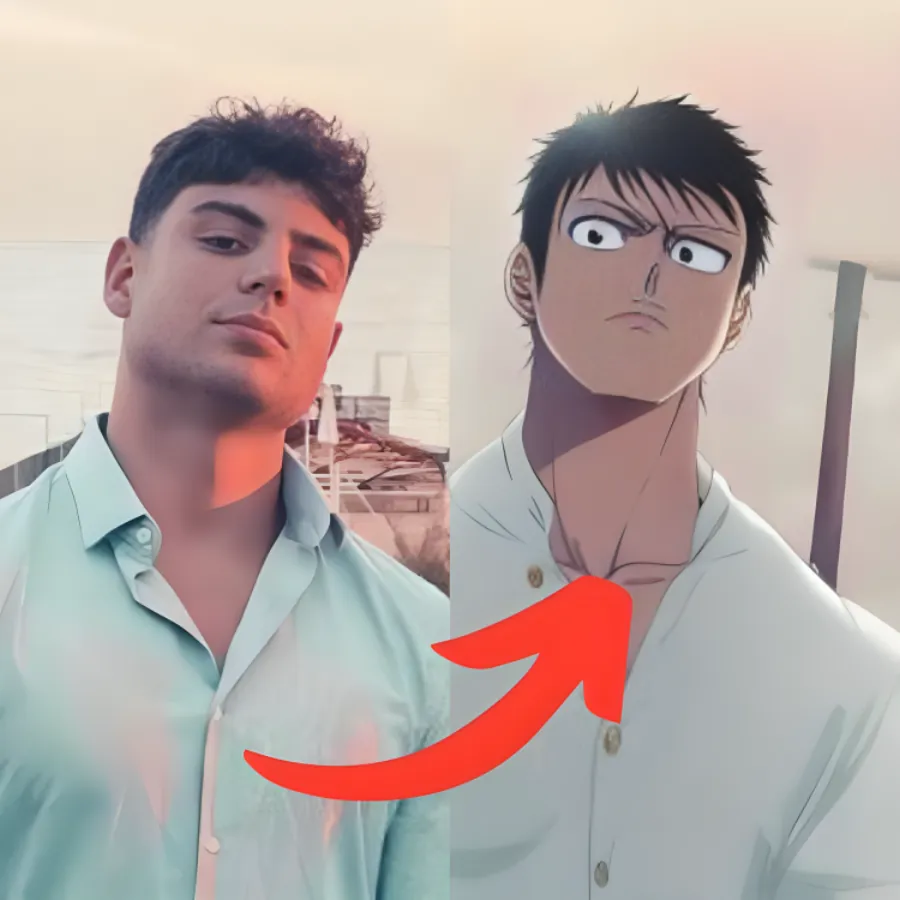
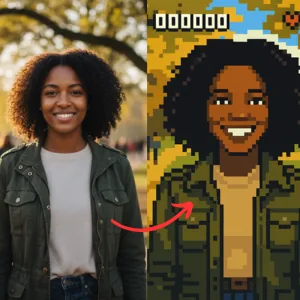
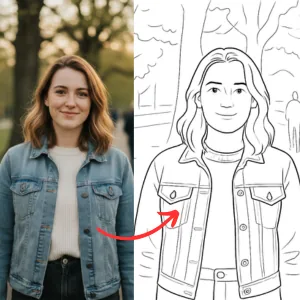
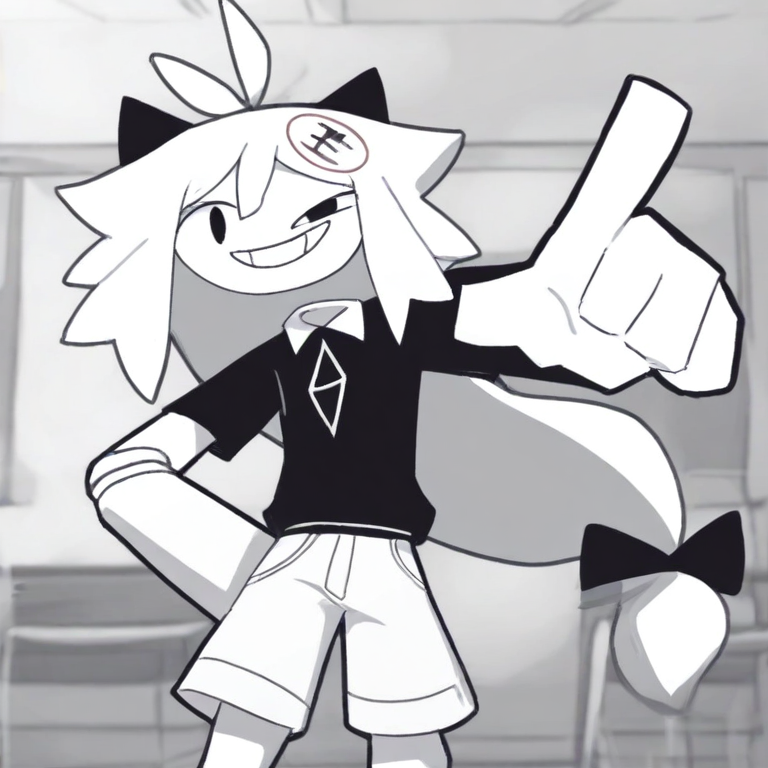
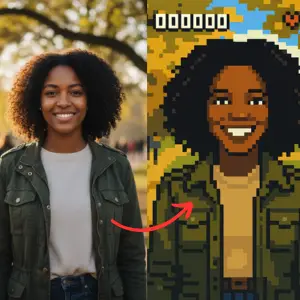
Making pixel art used to mean either placing every square by hand or fighting with an AI tool that wants you to write the perfect prompt. Pixel AI skips all of that. It's a pixel ai generator built around one idea: you should be able to get sharp, retro-style pixel images fast, with no technical know-how. No prompts to write, no settings to study, no design experience needed. You open it, you hit generate, and your art shows up.
What you can make
Two groups get the most out of pixel ai: gamers and people who post a lot online.
Pixel art for games
You can pull together pixel sprites, 8-bit characters, and other retro assets in the time it would normally take to draw one of them by hand. Enemy sprites, item icons, tile sets, character portraits, it all comes out game-ready, so you spend less time on art and more time building.
Pixel art for social media
Want something new for your feed? The tool gives you pixel avatars and 8-bit and 16-bit art that look great on Instagram, TikTok, and Discord. Swap your profile pic, drop a quick post, or build a whole themed set in a few minutes.
How it works
The whole thing takes about three steps:
- Open Pixel AI. No account, nothing to download.
- Hit Generate.
- Grab your pixel art a few seconds later.
If the first result isn't quite what you pictured, run it again. Each generation comes out a little different, so most people go a few rounds before they settle on a favorite. That back and forth is part of the fun, and it's the fastest way to land on a look you actually like.
Why this one is different
Most options out there hand you a blank prompt box and a wall of settings, then leave you to figure out the right words. Plenty of people give up before they get anything good. Pixel AI works the opposite way. There's no prompt to overthink and nothing advanced to learn, which is exactly why it works for total beginners. If you can tap a button, you're already good at this. That's also what makes it a different kind of pixel ai generator from the rest.
What it costs
Nothing. Pixel AI is free to use, so you can make as much pixel art as you want without paying or running into a paywall. There's no sign-up wall either, which means you can start the second the page loads. Generate one image or a hundred, it doesn't cost you a thing.
Ready to go
Pixel art doesn't need to be hard. Open Pixel AI, hit generate, and see how your first image turns out. Then run it again, because the next one might be even better.